
Memory Maker & PhotoPass Pricing, Info + Review
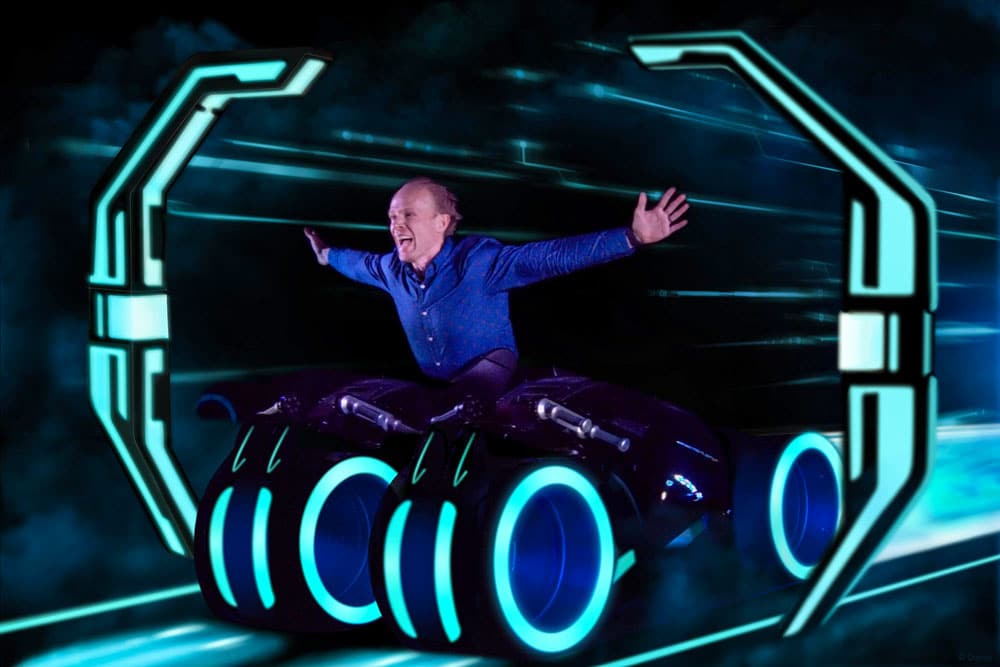
Walt Disney World sells Memory Maker and Capture Your Moment, both of which are PhotoPass photography packages. This guide & review helps you determine whether they’re worth the money, quality you can expect from photos, and also the differences between WDW and Disneyland. (Updated February 1, 2024.)
Like so much that Walt Disney World offers, all of this is incredibly confusing. What’s the difference between PhotoPass and Memory Maker? What about Memory Maker and Capture Your Moment? Or even Memory Maker advance purchase vs. during/post vacation vs. one day?! It’s a lot to digest, rivaling the convoluted Genie+ and Lightning Lane system in use for line-skipping at Walt Disney World.
At Walt Disney World, the easiest way to distinguish Memory Maker and PhotoPass is by thinking of Memory Maker as the package you purchase that gives you access to your photos, and PhotoPass is the service that Disney offers with Cast Members taking your photo around the park. PhotoPass is a free service available to everyone, including but not limited to those who buy Memory Maker.
Memory Maker includes a digital download of all photos taken by PhotoPass photographers, plus on-ride and character dining photos taken at select locations at Walt Disney World and Disneyland. So in a nutshell, Memory Maker is the digital download product. Things get confused a little bit because there are other PhotoPass-branded products (including single-photo downloads for $15, coffee cups, etc.) available for purchase.
Then there’s Capture Your Moment, which is more niche, and is basically a private photo shoot. This is also a service and not a product, meaning that you pay for the photographer’s time, but have to acquire the product separately. The main thing to remember is this: PhotoPass=service, Capture Your Moment=service, Memory Maker=product.
There’s (very understandably!) a lot of confusion about Memory Maker and PhotoPass, so hopefully that helps clear up some of that!
Memory Maker at Disney World
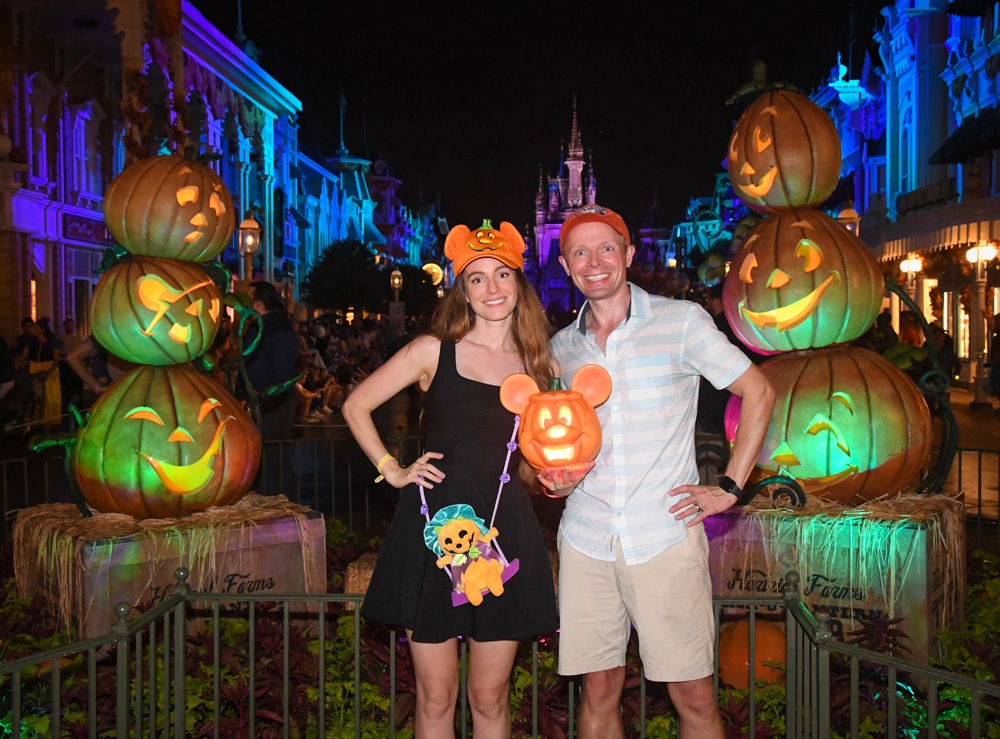
Let’s start with the products. For the duration of your vacation, Memory Maker costs $185 at Walt Disney World when purchased in advance, or $210 if bought during your trip. Another option is Memory Maker One Day, which is exactly as the name suggests–all of your photos & videos from a single day of your vacation (of your choosing) for $75.
In the past, Annual Passholders received free digital downloads of all PhotoPass photos, but that is no longer the case. Currently, APs can either buy the Memory Maker products (which makes zero sense given price points) or purchase the PhotoPass add-on to the Annual Pass at a cost of $99 per year. The upside of this approach is that you can have one person in your party purchase the add-on to collect photos from everyone family (at least, those who visit together).
Memory Maker and the Annual Passholder PhotoPass add-on packages also now includes on-ride photos and select character dining. Strong emphasis on ‘select’ in character dining experiences, as it’s fairly rare to see PhotoPass photographers in restaurants as of 2024, with the exception of spots that have a character you meet at the entrance. (Examples that come to mind include Chef Mickey’s, Cinderella’s Royal Table, and Minnie’s Seasonal Dine. There might be a few others, and you might get lucky with photographers roaming restaurants, but don’t count on it!)
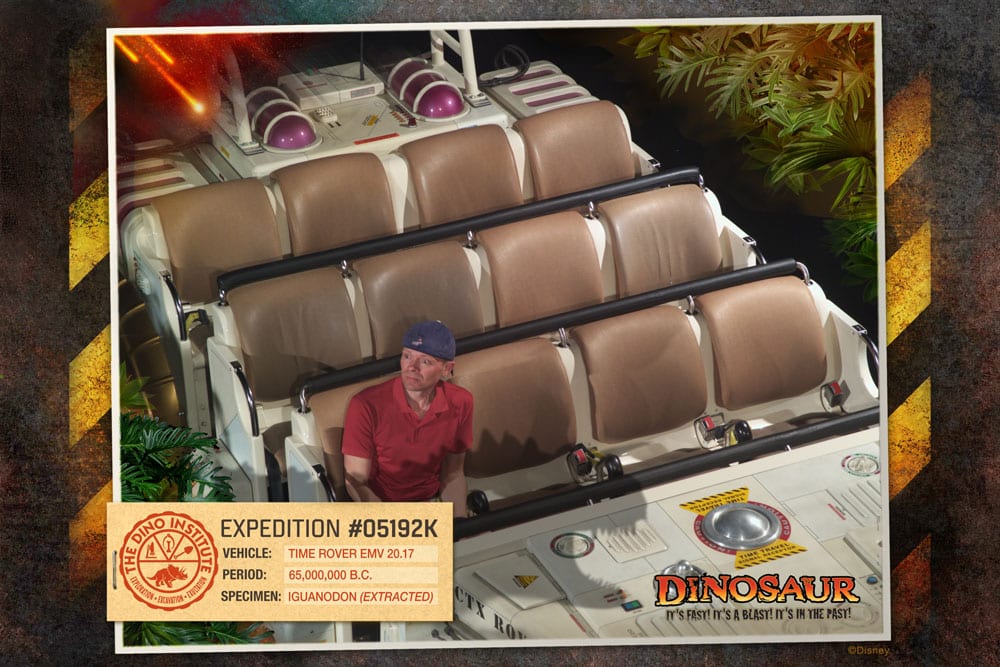
Attraction photos are taken while in the parks at more than a dozen of Walt Disney World’s most popular attractions including the following:
Magic Kingdom
- Buzz Lightyear’s Space Ranger Spin
- Haunted Mansion
- Pirates of the Caribbean
- Space Mountain
- Seven Dwarfs Mine Train
- Tiana’s Bayou Adventure (opening in 2024)
- TRON Lightcycle Run
EPCOT
- Frozen Ever After
- Guardians of the Galaxy: Cosmic Rewind
- Test Track
Hollywood Studios
- Rock ‘n’ Roller Coaster Starring Aerosmith (currently closed)
- Slinky Dog Dash
- Twilight Zone Tower of Terror
Animal Kingdom
- DINOSAUR
- Expedition Everest
Pre-ordered vacation packages online can be upgraded to Memory Maker upon arrival at Walt Disney World, but we recommend pre-ordering due to the difficulty we’ve heard some people have encountered in doing this. Memory Maker is integrated into your MagicBands, but you can also use your ticket media. So long as you’re all together in My Disney Experience, every photo scanned into any of your MagicBands will appear in the party account. f
Capture Your Moment at Walt Disney World
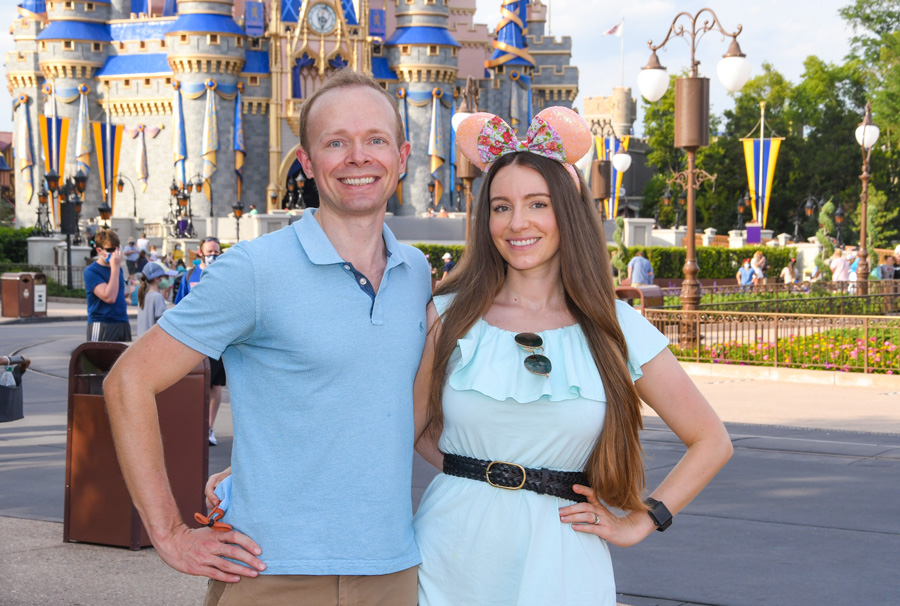
Capture Your Moment is a relatively new PhotoPass service that lets you book time with a Disney PhotoPass photographer for a personalized photo session during regular park hours at Magic Kingdom in 20 minute increments.
As of 2024, Capture Your Moment photo session locations are now available in all four parks, with two options in Disney’s Hollywood Studios (one exclusive to Star Wars: Galaxy’s Edge). At the start of your session, the PhotoPass photographer will share available photo shoot locations and discuss photo options before escorting you to your location.
Each Capture Your Moment session is $99. Gratuity is not included or required. If you book two Capture Your Moment sessions back-to-back for $99 each, you can spend up to 40 minutes with your photographer capturing photos in at least two different photo locations. Call 407-939-7758 to book a Capture Your Moment session. This is only bookable over the phone–not on a walk-up basis.
Prints and digital downloads are not included with the price of a Capture Your Moment session. In order to receive your photos from the photo shoot, you’ll need one of the Memory Maker packages, or an Annual Pass add-on that’s eligible for free PhotoPass downloads.
There is definitely guest demand for such a “private photo shoot” service, but it’s worth pointing out that essentially the same thing can be accomplished for free by visiting multiple locations. The critical distinction between a real portraiture session and this is that you are still reliant upon regular PhotoPass photographers, rather than a true professional with an eye for photography.
PhotoPass at Disneyland
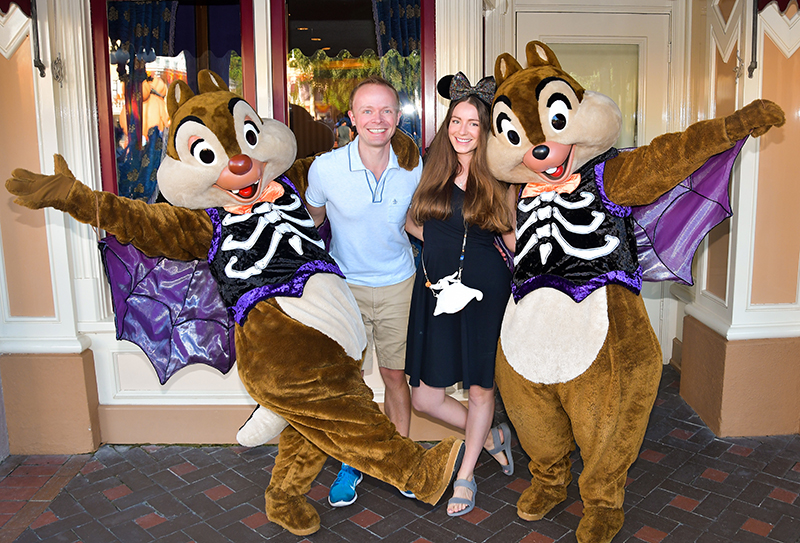
At Disneyland, PhotoPass is still the service, but currently the product is called PhotoPass+ One Week for $78. There are also other products that can be purchased under the PhotoPass brand, but the main product that offers inclusive digital downloads is PhotoPass+ One Week, and as the name suggests, it’s offered for downloads of a full week (7 days) worth of photos for your entire family. Magic Shots and Animated Magic Shots captured during those days are also included.
You won’t find a ton of information about PhotoPass+ on Disneyland’s official website, and the reason for that is because the company has more or less backed away from pushing the package. This is because it’s been indirectly replaced by the Genie+ service, which offers Lightning Lane line-skipping and unlimited Disney PhotoPass digital photo downloads from your day, including on-ride and character photos. You’ll also unlock Disney PhotoPass Lenses, giving you access to augmented reality effects that bring Disney stories and characters to life.
Genie+ starts at $30 per person per day, and the main feature is the aforementioned line-skipping. If you’re only visiting for a few days and would’ve purchased PhotoPass+ One Week anyway, buying Genie+ is a no-brainer at Disneyland. You’ll accomplish a ton more, and get photos included.
In fact, in almost all use cases, Genie+ is the better option than PhotoPass+ One Week. Unless you do not want that benefit and have a large party and are visiting Disneyland for over 3 days, you’re probably better off just sticking with Genie+ and Lightning Lanes. At the very least, you can use it strategically–buying Genie+ for 2 days and focusing on photos and line-skipping then. (This is what we recommend. The vast majority of guests visiting Disneyland for longer durations do not need Genie+ more than 2 days.)
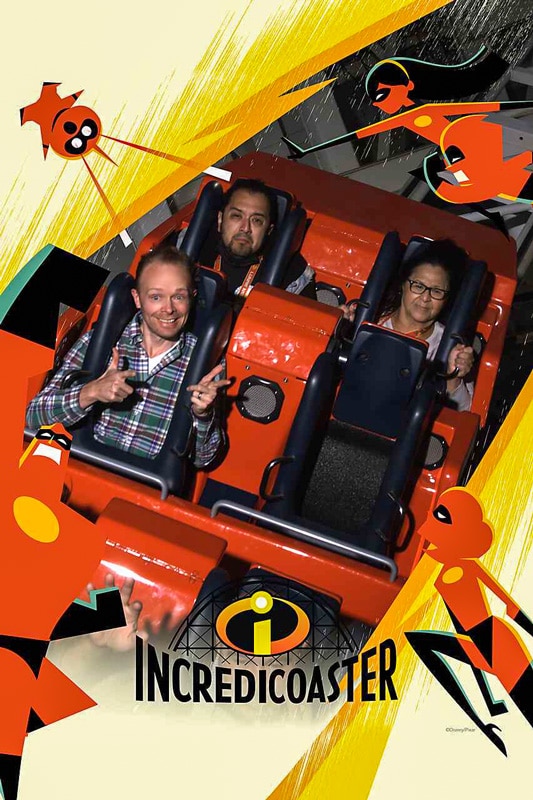
On-ride photos are as follows. At Disneyland:
- Space Mountain
- Tiana’s Bayou Adventure (opening in 2024)
At Disney California Adventure:
- Guardians of the Galaxy – Mission: BREAKOUT!
- Incredicoaster
- Radiator Springs Racers
Whether these PhotoPass services are worth the cost depends on a number of factors, namely, how many photos you’ll take with it and what you think of PhotoPass in the first place. Given that, we’ll continue with our review of the PhotoPass service and conclude with a review of the Memory Maker product.
Review of PhotoPass Service
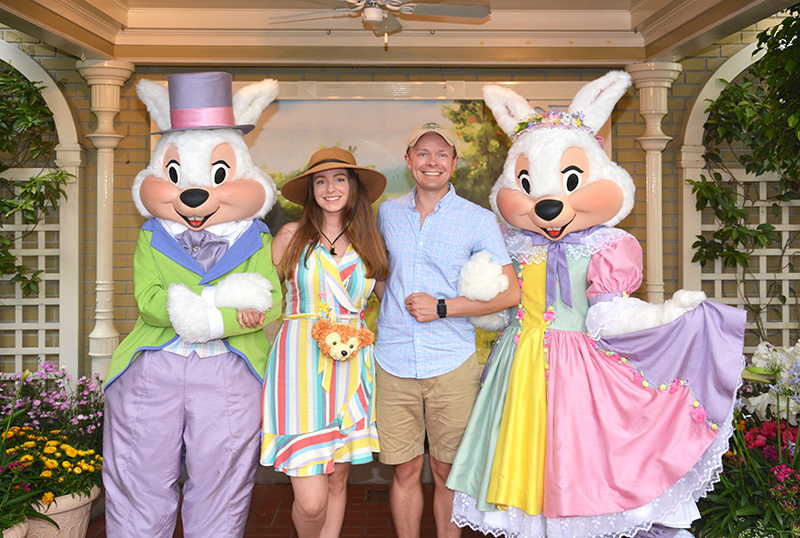
For some guests, no review is necessary. Memory Maker might be included in your Walt Disney World vacation package, or you might have it with an Annual Pass. We have never purchased regular PhotoPass as part of a vacation package because the value for us simply is not there. The calculus is different now that we have Annual Passes; $99 for a full year (given how much we visit) is worth it to us. We use it a decent amount for the convenience, but still wouldn’t pay for it on a per-trip basis in most cases.
Disney touts PhotoPass as a great way to get professional photos with the whole family in the shot. Based upon this pitch, it’s pretty clear that there are two components to PhotoPass/Memory Maker: product (the photos available for digital download) and service (having someone else to take the photos for you so the whole family can get into the shot). Some people don’t realize this, but only the product costs money.
The service is free, as all PhotoPass photographers will capture photos for you for free with your camera or phone. Same goes for character attendants, which is a key thing to note since many meet & greets don’t have PhotoPass photographers at all–just character attendants. So those won’t be included in your Memory Maker package regardless.
Due to ongoing staffing shortages, we’d estimate that a little over half of character meet & greets at Walt Disney World have PhotoPass photographers as of 2024. At Disneyland, that percentage is lower; notably, the popular Mickey & Friends meets in Town Square at Disneyland and Buena Vista Street at DCA usually do not have PhotoPass photographers.
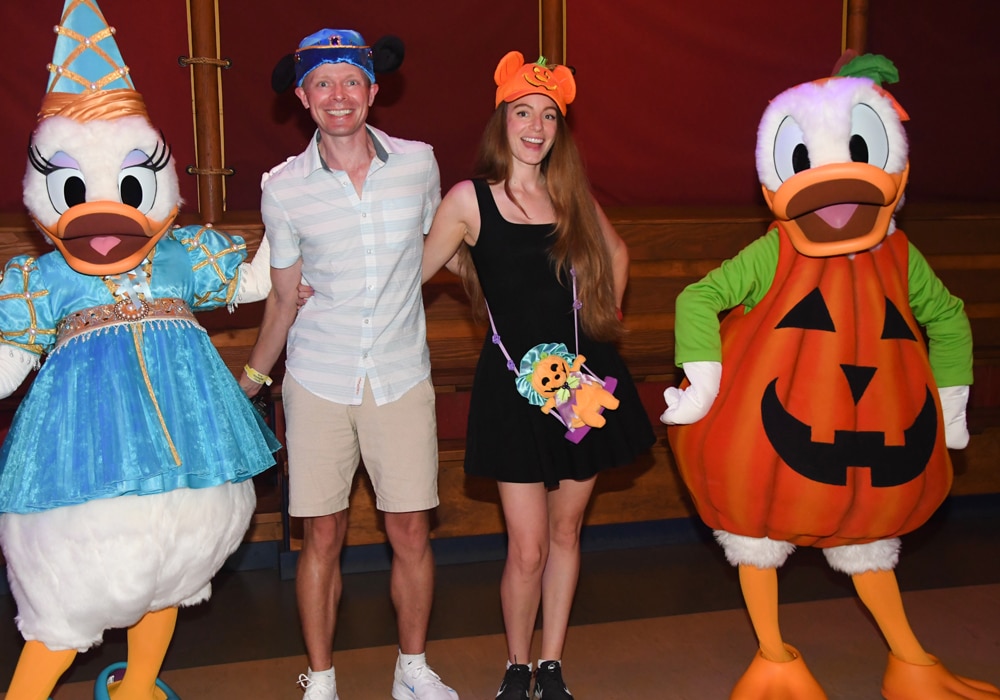
Reviewed with this in mind, I think PhotoPass is a nice service, but the products under its brand aren’t all that great. The “professional” PhotoPass photographers are not skilled professional photographers. Most of the professional photographers employed in PhotoPass positions are only professionals in the sense that it is their job to take photos. They are paid to do it, therefore they are professional.
They have no specialized expertise or experience in photography–they were just given some quick on the job training in using the PhotoPass equipment. Consequently, many PhotoPass Cast Members have trouble using cameras that are handed off to them (except iPhones–they all are fluent in iPhoneography).
That’s just the start of the problems. With PhotoPass, sometimes you’ll get photos that are out-of-focus, poorly composed, or not properly exposed. This isn’t a problem some of the time, but can be an issue. If you’re only getting photos during the day, it’s usually not a problem–your keeper rate should be close to 75%.
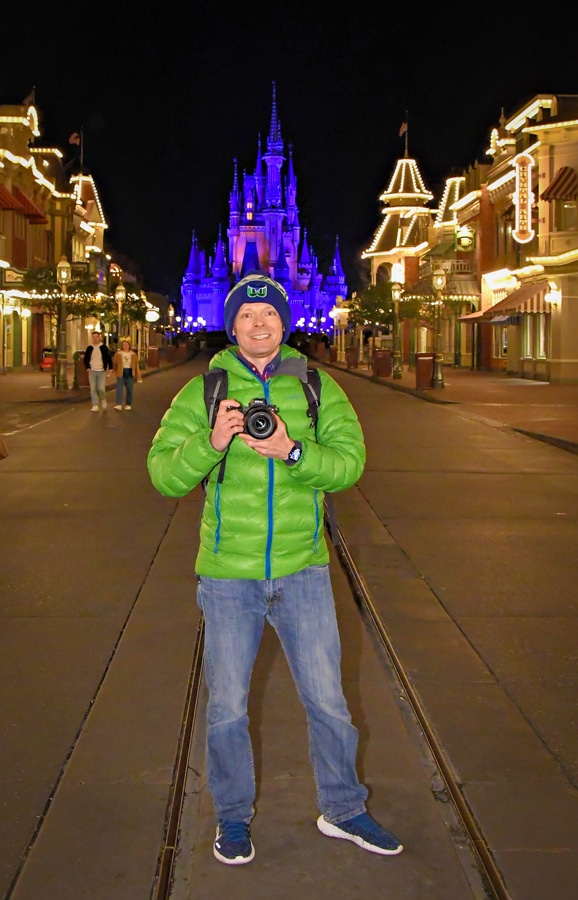
At night, that number drops. Many PhotoPass photographers don’t have tripods at night, which is a red flag for low-quality photos with underexposed backgrounds, bright flashes, and high noise levels. If you don’t have an “eye” for photography, you may not notice this. If you do, you’ll instantly see the problems.
Honestly, many of these PhotoPass Cast Members are better at using your iPhone than they are with their own cameras. This is especially true with the younger College Program participants. Intuitively, this should make sense. Many of them were just handed a DSLR for the first time ever a few weeks ago–but they’ve been using camera phones pretty much all their lives.
It also helps that phone camera technology continues to improve. If you have a newer device and have a younger phone-savvy Cast Member take your photo, I’d estimate it’s about 50/50 whether the DSLR or iPhone photo will turn out better. In which case, why bother paying extra for Memory Maker?!
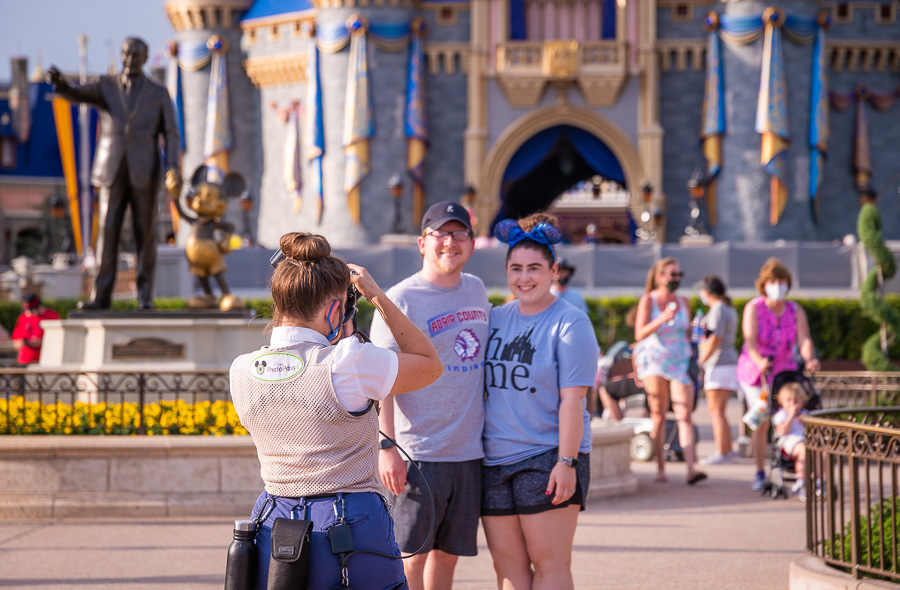
I don’t want this to sound like I’m piling on PhotoPass Cast Members. I’m not. As Cast Members, they’re usually delightful to us just like most Cast Members are. As photographers, I don’t feel that many of them are up to snuff. I realize I’m painting with broad strokes here.
Some PhotoPass photographers are excellent. So, if you’re a good PhotoPass photographer, please don’t take offense. However, most aren’t any better at photography than the average tourist in the parks. So don’t purchase Memory Maker or PhotoPass+ One Week because you think it’s a great way to get professional-quality photos from the parks. It’s not.
All of that said, as a service, PhotoPass is wonderful. This is because all of the photographers will take photos of you with your camera for free. We use this free service all the time, and while the photos don’t always turn out well, it’s nice to have Cast Members conveniently located in front of icons to take photos of us.
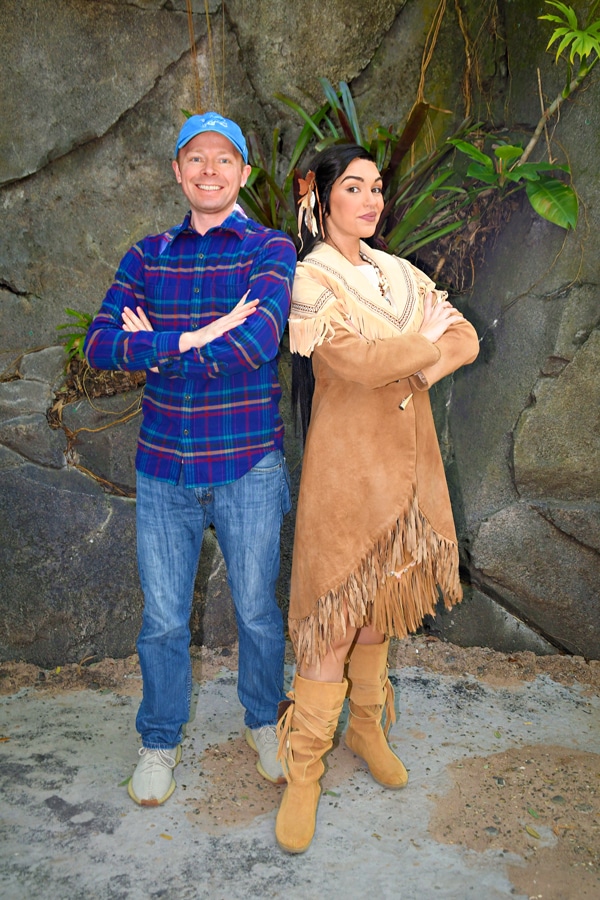
Given the fact that PhotoPass will take photos of you with your own camera, I have always had a really hard time recommending Memory Maker or PhotoPass+ One Week to anyone on a tight budget. Granted, there are benefits if your camera isn’t very nice and there’s also something to be said for convenience.
However, I think most guests would be better suited by purchasing a nice point & shoot camera or upgrading their phone, having PhotoPass photographers use that to take their photos, also using it to take their own photos, and then purchasing photobooks through reputable online services with all of their vacation photos. Doing that, you’d come out ahead monetarily after only a couple of trips.
Plus, you’d have a wonderful camera at the end of the day, which is an excellent pocket-sized camera that’s easy to carry around Walt Disney World and Disneyland that is capable of almost as good of photos as the PhotoPass cameras. Plus, by purchasing a nice little point and shoot like that, you are able to take your own nice photos in other circumstances!
Review of Memory Maker Product
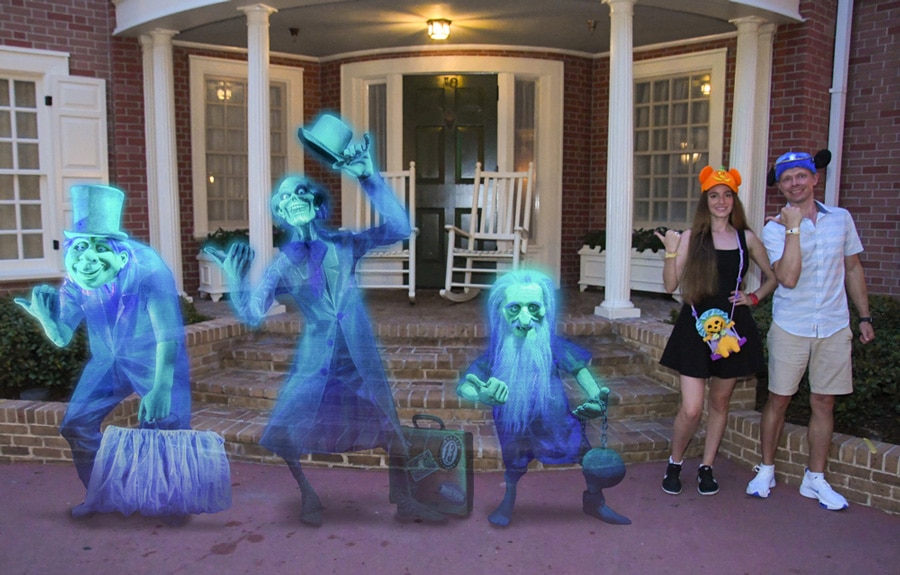
Memory Maker offers several benefits. By virtue of the camera used being a semi-professional DSLR, there’s a good chance the photos they take will be nicer than photos you take with your own camera; but you could easily achieve comparable results if you had a DSLR.
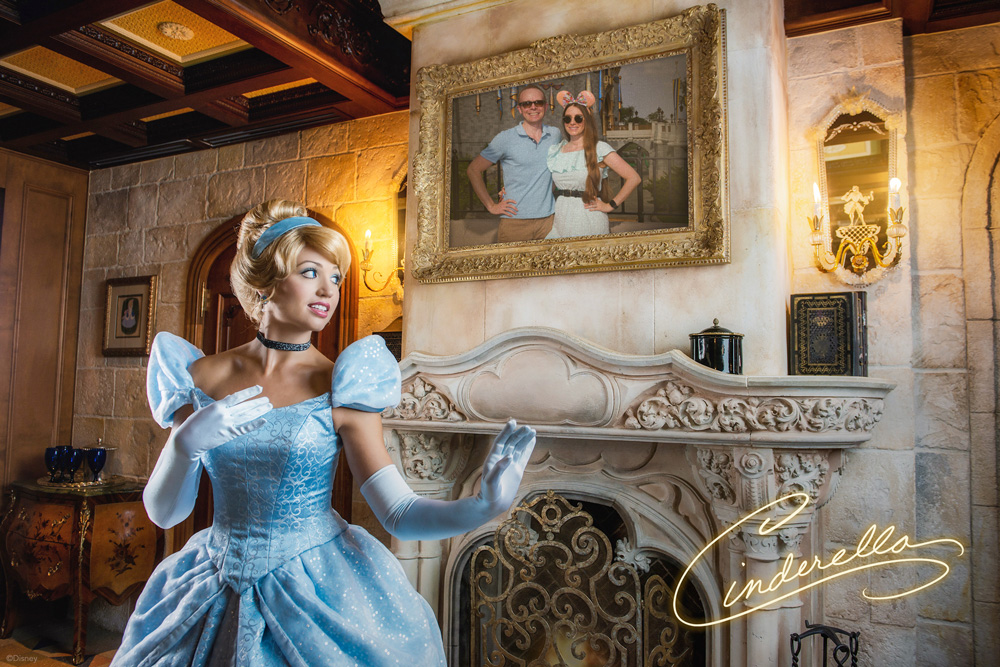
At both Walt Disney World and Disneyland, there are some “special” photos called Magic Shots that only PhotoPass photographers can take, such as guests holding Simba or Tinkerbell, or Stitch coming out of the pavement.
If you’re going to Blizzard Beach or Typhoon Lagoon water parks at Walt Disney World, Memory Maker also has more value because these photographers are positioned in a lot of fun locations where you probably couldn’t get your own photos (like in the wave pools and at the end of attractions like Crush N Gusher). These photos can be a lot of fun, and definitely make PhotoPass a much better value.
Beyond that, the product becomes a better value if you have a larger party or (at Walt Disney World) are taking a longer trip. If you’re going on a two week long family reunion and 10 of you will be using PhotoPass photographers to capture thousands of photos from the special trip, the per photo cost of Memory Maker is so low that it’s more likely to be worth it for you. By contrast, if you’re only getting 10 or so photos per trip with PhotoPass, you’re paying $10+ per photo, which is more difficult to justify.
Memory Maker might be easier to justify for special trips from which you want as many memories as possible. If it’s your “Disneymoon” or a your son or daughter’s first trip to Walt Disney World, some of the photos taken by PhotoPass might be priceless. Obviously everyone’s circumstances are different in this regard, so weigh your circumstances accordingly when determining whether you should purchase Memory Maker.
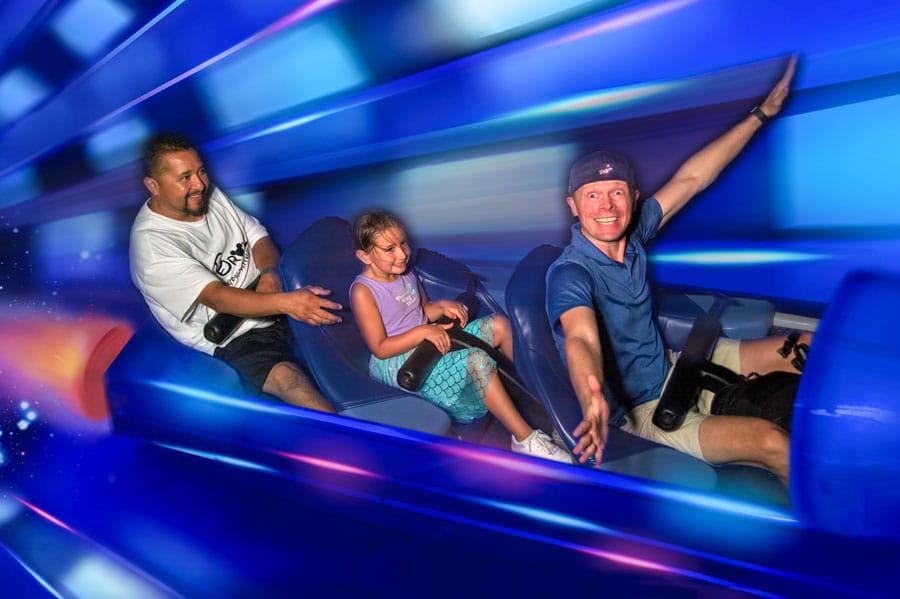
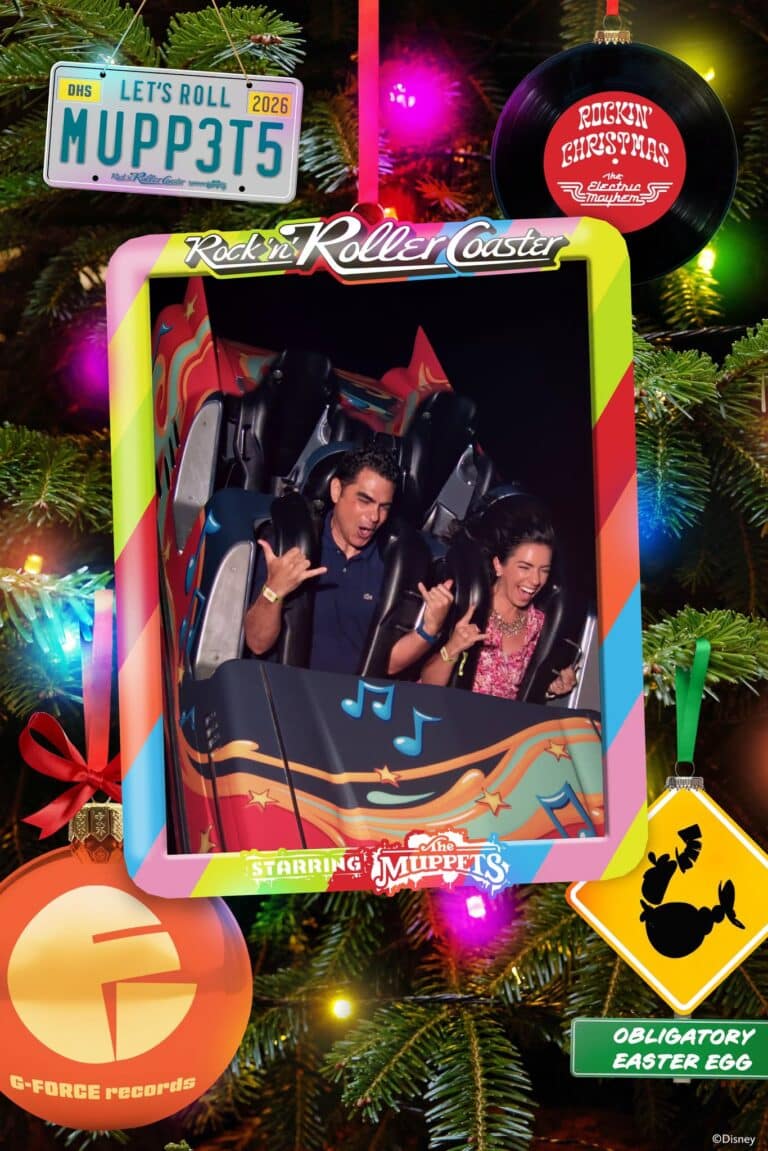
Perhaps the single biggest benefit is the on-ride photos. We love making funny faces for these on-ride photos, and although we have never purchased an on-ride photo when you could buy them a la carte, we love them. So for us, this was where the real value of Memory Maker can be found.
During the course of one 5-day trip to Walt Disney World, we got 17 on-ride photos. On a longer trip, we could’ve gotten even more. Plus, we did get other photos, and the convenience of not having to hand off my camera to the PhotoPass photographers was a nice luxury (but not something for which I’d pay much of a premium).
It should go without saying, but you cannot use your own camera or phone for on-ride photos or videos. There aren’t PhotoPass Cast Members stationed inside Space Mountain who you can pass off your phone to for a quick snap as the roller coaster races around. Crazy, right?! So the main option for on-ride photos is buying Memory Maker.
Admittedly, we’re also suckers for the Magic Shots and always make a point to get the new or seasonal ones for Halloween, Christmas, or special celebrations. Not only that, but there are now fun photos and video that offer bird’s eye or innovative 360-degree shots. These are also shots you could not capture with your own camera. None of them are essential, but they’re icing on the cake.
There’s also video on Seven Dwarfs Mine Train, which is one of several innovative and fresh things Walt Disney World is doing with PhotoPass. It’s pretty neat and fun to show family and friends or share via social media. I think this is the way of the future, and Disney will likely try to incorporate on-ride video like this into as many future attractions as possible.
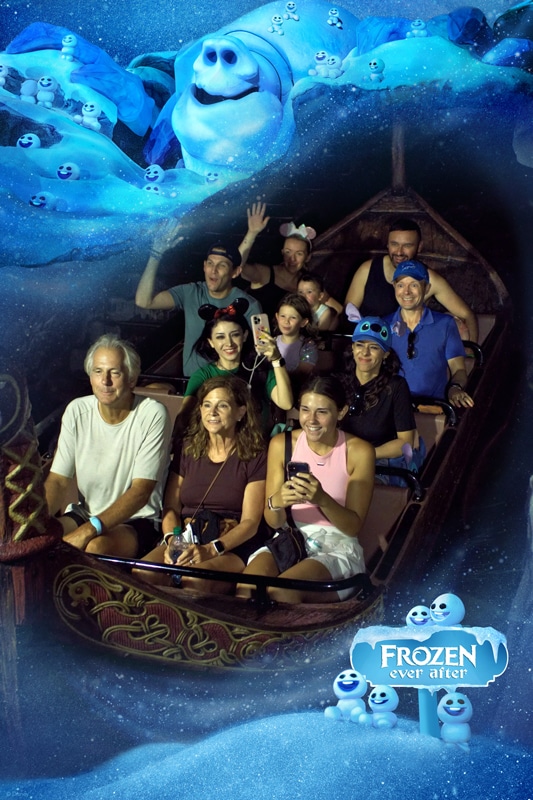
For us, on-ride photos are really the most fun–and what we want from our visits. Although Memory Maker is the main way of acquiring all of these over the course of a Walt Disney World vacation, it’s not the only option.
As mentioned above, Genie+ at Disneyland includes all PhotoPass photos. At Walt Disney World, Genie+ now includes on-ride photos taken during the days that you purchase the line-skipping service. While this can end up costing more than Memory Maker over the course of a trip, Genie+ also provides the even more valuable Lightning Lane benefit.
If I were determining how to allocate my vacation budget, I’d put the money towards Genie+ for 2-3 days of the trip. Make a point of grabbing as many on-ride photos as possible on those days, and just hand my phone or camera off to PhotoPass photographers for the rest of the trip. That’s the balanced approach that allows for photos and line-skipping. Win-win.
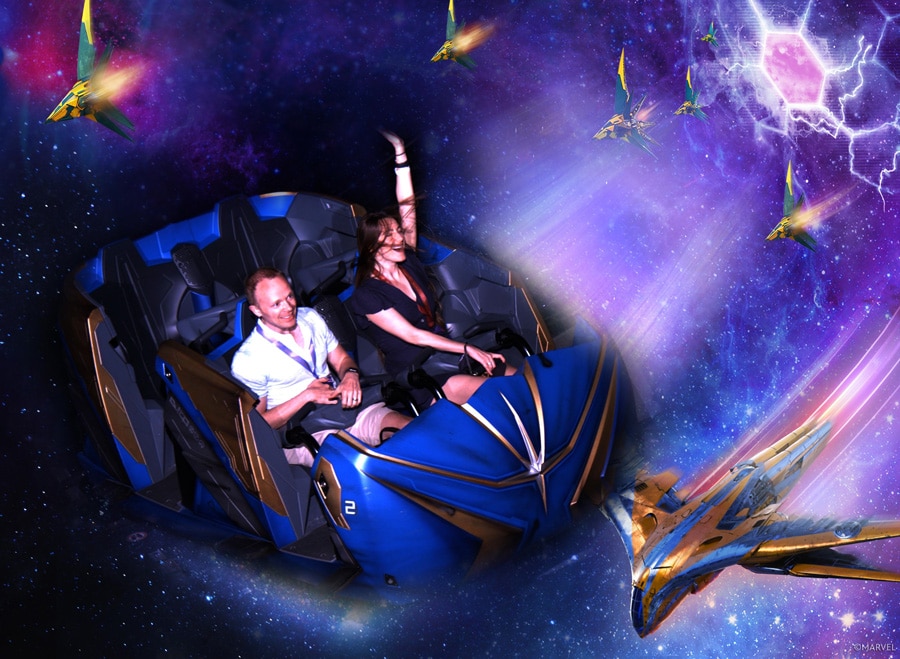
Overall, I have a difficult time recommending Memory Maker at Walt Disney World to everyone for every trip. If you’ve never purchased on-ride photos but like the idea of them, consider trying it for a longer trip, and go nuts getting as many of those photos as you can, plus other photos. After that trip, you might just stick to using PhotoPass as a service to get photos taken with your own camera.
I think it mostly makes sense for long or special occasion trips. If you are taking a week or longer vacation with a lot of family members, it might be worth getting Memory Maker so that you can get character dining photos and, more importantly, on-ride photos. If you get an on-ride photo from most of the attractions (or multiple photos), the per photo cost of Memory Maker is pretty insignificant.
Thus, the longer your trip and the more people in your traveling party, the better of a value Memory Maker is. In most cases, I think there are far better ways to spend finite vacation dollars than on Memory Maker, but everyone values aspects of their Disney vacations differently, and it might be a great value to you depending upon your circumstances!
Planning a Walt Disney World trip? Learn about hotels on our Walt Disney World Hotels Reviews page. For where to eat, read our Walt Disney World Restaurant Reviews. To save money on tickets or determine which type to buy, read our Tips for Saving Money on Walt Disney World Tickets post. Our What to Pack for Disney Trips post takes a unique look at clever items to take. For what to do and when to do it, our Walt Disney World Ride Guides will help. For comprehensive advice, the best place to start is our Walt Disney World Trip Planning Guide for everything you need to know!
Your Thoughts
Do you agree or disagree? Like PhotoPass or hate it? Have you tried Memory Maker or PhotoPass+ One Week? Are you considering trying one of them? Any questions we can help you answer? Hearing your feedback–even when you disagree with us–is both interesting to us and helpful to other readers, so please share your thoughts below in the comments!

What is the process to get the photos from the rides onto your photo pass? you still have to get the # and go to the purchase area? My wife and I are going for our 3rd anniversary…Teens are in school so it will just be us so we are doing some of the special stuff to increase the memories…
Do you just have the photo pass card and they scan it or something or??? how to? none of the basic stuff is easy to find!
I totally agree with you. I had orignally based my purchase for the Photo Pass + on the experience I had with the Walt Disney World Photographers. I would be bold enough to say that they at least have Photography students as employees. The quality of all of our pictures for my honeymoon and birthday were wonderful. This was not my same experience at Disneyland. To start off, they barely have any photographers present in the park. There were only two photographers on Main Street, one in front of the castle and one in front of the partners statue. Most of the photos taken were either way too dark or (what I think) composed badly. There was one picture where at the partners statue, my husband and I thought we were pointing back a the Partner’s statue and turns out we were pointing back at air because the photographer had shifted us and said nothing. We were also told we could not do a jump picture in front of the castle although we had one in front of Cinderella’s Castle. Overall, It is sad and the best thing I could say is think wisely before purchasing it. They don’t give refunds unless they feel that the compositions were done incorrectly or the photos were just plain terrible.
Used photopass + on my last trip. Would not do again. The photos were much poorer quality than photopass photos I’ve gotten on prior trips. It really seemed like the CMs just weren’t trying to get a good shot. They also took fewer photos at each stop. It seemed like because it was pre-paid there wasn’t the incentive for them to do a good job.
We used Photopass+ for our week-long trip back in August. Having the attractions photos at our disposal was great! We constantly were planning poses and whatnot because we knew we would get every picture on there. It was also great for the waterpark since we did not want to get our camera wet and there were photographers everywhere. Obviously the photos were not the BEST quality because they are not professional photographers but then again, neither were we. We didn’t have any problems with it and we have already bought it again for our trip next month with a larger group! It’s nice to be able to get everyone in on a picture and my mother really does not like lugging her big canon dslr around in the middle of July. Also, if you buy it up to 2 weeks or more before your trip, you get it at a lower price (like $20-30 less; I think we paid $140 compared to the $170 you quoted).
In my opinion the Disney PhotoPass is a GIANT waste of MONEY! They claim the photographers are “Professional” I’m a semi-professional photographer so maybe my expectations were high, but on my disk that cost $170+ with shipping I had photos that were blurry, not my child, HUGE shadows, some characters looked like they had stuff growing out of their heads (poorly placed) and to top it all off the images are sized so you can only print 4×6 photos!!!! For that kind of money I should be able to make a freakn’ poster sized print of Mickey Mouse with my child to put on the wall! I am extremely disappointed and upset with the quality of photos and limitations that were put on them for the hefty priced I paid…
The photo cds (when they were cheaper in 2011, like $120 per cd including the ride photos and that was the decision made at the park) actually worked out for our honeymoon and we got great photos with interactions with the characters. They were also larger sized photos. I’m not a professional photographer, but I’m trained in photo shop and know a little about cameras. The photos we received from Disneyland were Dark, badly composed, and unimaginative. We would ask to do our own poses, but I don’t think they included those or took the shot and just pretended to do so. I ended up calling their department and hope that makes a change in the system.
Hi Tom! I’m debating on getting the photopass cd, but with it being mine and my sisters first time back since we were kids, and both of our boyfriends first time ever, we would really rather enjoy the rides versus scouting out photographers.
With that being said, do you think we would see enough photographers around without really searching to make the cd worth it, or would it kind of be a waste of money. I’m thinking its most likely a waste, but looking for a frequent visitor’s opinion. Thank you! 🙂
As a lifelong repeat guest of WDW, you’ll be hard pressed not to find CM Photographers… Unless their attire has changed in 18 months, they all wear khaki outfits… Think safari style at all the parks, not just AK. Mostly, you’ll see them in prime locations (in front of the castle, meet & greets, etc.). It’s still good to have a simple camera with you for those goofy, carefree moments while waiting in line or eating at quick service places.
I think for the first timers, this might be a good call because the CMs may catch better shots of everyone while you get to enjoy the moment together.
Personally, I’m leaning towards PP+ because of the return value of the ride shots I normally don’t purchase and always wish I did.. This may be an awesome option for your group as well since there has been many updates over the years and I’m sure the ride photos will look as if you ALL are there for the first time. Something to consider…
Hi Tom! Loving your site so much! I am an avid Disney planner and like to squeeze as much out of our rare visits as possible since we only get to go once every few years coming from the UK!
As such, we like to go all-out when we do go and we LOVE the ride photos, we wish we could afford more!
Our next trip will be in 2015 and there will be a crowd of us all going together (8 adults!). I’m wondering if it would be possible for the whole group to share one PhotoPass+??
If all 8 of us can have all of our ride, meet&greet and in-park photos on the same pass, it would be more than worth it since we could split the cost! Just wondering if they let you do that though!?
Thanks!
Beccy
Shouldn’t be a problem. I’ve heard conflicting reports of people being able to get more than one card for it, but at the very least, you can write down your on-ride photo numbers (if separate) and have the person with the card add them later.
Have fun!
So, with the Photo Pass+, are the ride photos uploaded to the site/cd, or do you actually get a hard copy at the end of the ride as though you bought the picture?
When you get your CD with all of your pictures on it, are you then able to upload these on your home computer to print yourself and to use on sites like Shutterfly to make memory books? Or is this CD such as to not allow this type of transfering?
Yes, you are able to print/use the photos for personal use.
Hi! First I love all your photography and I definitely agree that photopass CMs are NOT professionals, BUT I brought my DSLR with me on our trip last year with the idea that They would take the photos with my camera and be just as good. This was my FIRST trip to WDW so I had no idea what to expect. Just from what I had read online. However we also had them take photos with their camera just so we could compare. Of the pictures CMs took with MY camera only 2 or 3 were remotely decent. I don’t know if the CM didn’t bother adjusting settings and just snapped it or what. We did have some awful photopass photos too but they also just took alot more photos with their camera so there were a TON I loved (For instance, they took at least 10 pictures of my reaction of meeting Mickey and Minnie and our interactions for the first time…at 31! With my camera they took one group photo that wasn’t that great). I almost bought the CD after the fact but ended up making a photobook on the photopass site. Still stupid expensive but I really loved some of the photos they took. So now we’ve agreed that next time we are always going to get a photopass cd ahead of time. We are not really into the ride photos and have no character meals planned our next trip (except maybe CRT and that one already includes photos, right?) so we probably won’t do the plus. But in our experience the photopass cd will likely be worth it in the end. They also do ‘magic’ photos. We didn’t do any since we didn’t have the cd, but next time we plan to try and hit all the ‘magic’ photopass CMs. 🙂
Meanwhile how do you carry your camera around with you all the time?? I was so paranoid I was going to break it! I think next time I am only going to bring it out at night or at Animal Kingdom. I took a million photos there. I could just ride the KS all day with my camera and be a very happy lady. 🙂
Cast Members will not adjust settings on your camera–they don’t even adjust settings on their OWN cameras beyond what’s on a “cheat sheet” for them. You have to make sure you hand the camera to them with everything ready to go so all they have to do is press the button.
Cameras are pretty durable, I’ve never worried about breaking mine.
I have also seen references to “Attractions+” – are we taking about the same thing here?
Sort of. Attractions+ is JUST the on-ride photos. PhotoPass+ is that, plus all of the PhotoPass photos you can get from roaming photographers around the parks.
So to clarify, the PhotoPass+ includes all of the Splash Mountain, Space Mountain, etc. ride photos as well as the dining and around the park? This has been my biggest confusion on the different sites I’ve been reading, as some say only Test Track is included. Thank you for asking this question Karen!
If the rides are included that alone makes the package worth it! And I know for sure that I’ll want to get the PhotoPass+ for my husband and I’s first anniversary trip to WDW!
Correct, all rides are included in PhotoPass+ (emphasis on the PLUS). Standard PhotoPass (no +) includes only Test Track.
We recently purchased PhotoPass+ for attractions in Disneyworld. We did get some great photos that we’ll have fun with, but there are very few Disneyworld photos by the Photopass Photographers that I’d purchase. For example, one photopass photographer said, “On the count of 3, say your favorite Disney Character’s name!” Well… Pluto doesn’t make for a very pretty picture…
My family and I went on a 9 day trip to WDW in September and bought the PhotoPass plus ahead of time. I am a huge scrapbooker so this was a great value to me! We got 3 character meal packages which at $24.95 each was worth it alone. All of the ride photos plus at the end we had almost 200 pictures on our cd! We took full advantage of every photographer we saw. We also got a Tom of magic shots…even some folks don’t know about! (Kissing the frog outside crystal palace)
The only complaint I had was at both typhoon lagoon and blizzard beach I did not see 1 PhotoPass photographer and we looked!!!
That’s too bad about Typhoon Lagoon and Blizzard Beach–those are normally the best places for PhotoPass!
If you have young children and you want to be in the picture with them, then I highly suggest the Photopass. I took my son to DL for his 3rd birthday this past May and the combination of him, the stroller and my DSLR was a bad combination. I got great photos of him, but I only appeared in the photos that Cast members had taken. So, on our next trip, I will get the Photopass and will be sure to tell every cast member with a camera that we bought the CD. I plan on having hundreds of photos available of all the fun once the week is over.
I’m planning on getting PhotoPass+ for my trip next year because of the on ride photos. There are 6 out of the 7 rides (I don’t do dinosaur) I will ride and I am going at a slower time so chances of me riding these rides more than once is pretty high, therefor it will be a value to us. Of course we’ll also use the PP photographers as well. For me, I spend a lot of time trying to capture photos and I often forget to enjoy myself. I also have a habit of taking photos of everyone else and not even bothering to get myself in many! Being able to keep my camera in my bag for a bit and let someone else take the photos of big things for an entire week will be a nice change.
I realize I say “I” and then “us” haha. I may be going solo or I may be going with my brother or a friend, that hasn’t been decided. I promise I’m not crazy.
Hello, We are visiting the DLR in October and have already purchased the photopass+…..just a quick question if anyone can help me out….how does it work with the ride pictures? After the ride do you go to the kiosk where you would normally buy the ride picture and give them your card to have it loaded on?
Hi,
I am going to WDW in September with my son to celebrate his 5th birthday. I am a single mom, so I would really like to be certain that I get pictures of my son and I together, and not just him with me behind the camera. I have booked a number of character dinings, Fantasmic, Hoop de Doo, Spirit of Aloha, etc., and plan to go on all the rides that take ride photos. Don’t you think that for a single parent like me the package is a good idea so that I have plenty of photos of my son and I together? Thank you for your thoughts.
Also the photos stay on the photopass cd site for a month so if you can visit multiple times during that 30 day period and all of them will get included in the cd/digital download.
We used to buy about one ride photo per ride (before photopass was an option). When photopass came out, we started preordering that and skipping the ride photos (it cost about the same). I understand much more about photography now, but I still like getting the photopass cd too. I may be a little lazy, but sometimes it’s a pain to get the camera off my neck with the headwear I usually wear in the parks (a Goofy hat with a big brim). Also, at night, their tripod + DSLR is most likely going to do better than my handheld D40 (especially if I don’t have the flash on it). Finally, for character greets, good photographers will be shooting with their camera throughout the greet (i.e. getting shots of Mickey hugging your princess as they first meet) and then do the posed shots on both their camera and yours.
The photopass plus also solves some ride photo dilemmas for us. We never usually get space mountain or buzz pictures (for example) because our group is usually bigger than the ride vehicle, and we wouldn’t want to pay $14.95 a pop twice for the pictures. Since we don’t get to Disney very often (usually only once every 3-4 years for a week at a time), we’ll probably be getting the photopass plus from here on out. If we were making more frequent or shorter trips it would be more of a decision each trip.
Just before photopass plus came out, I went to WDW and DL in a week, and my WDW pre-ordered photopass worked for both. Not sure if the + part transfers.
same page that I linked above, but just found this as well:
Q. My family may split up and go on two different Attractions however only one Disney PhotoPass+ card is provided, what can I do?
R. If your family splits up and goes on different Attractions you may save your Ride Stub with the photo # and later on stop by the Attraction to claim the photo with your Disney PhotoPass+ card. Keep in mind that photos are available in our system for only 48 hours after capture; make sure you visit the Attraction to claim your photo within that time period.